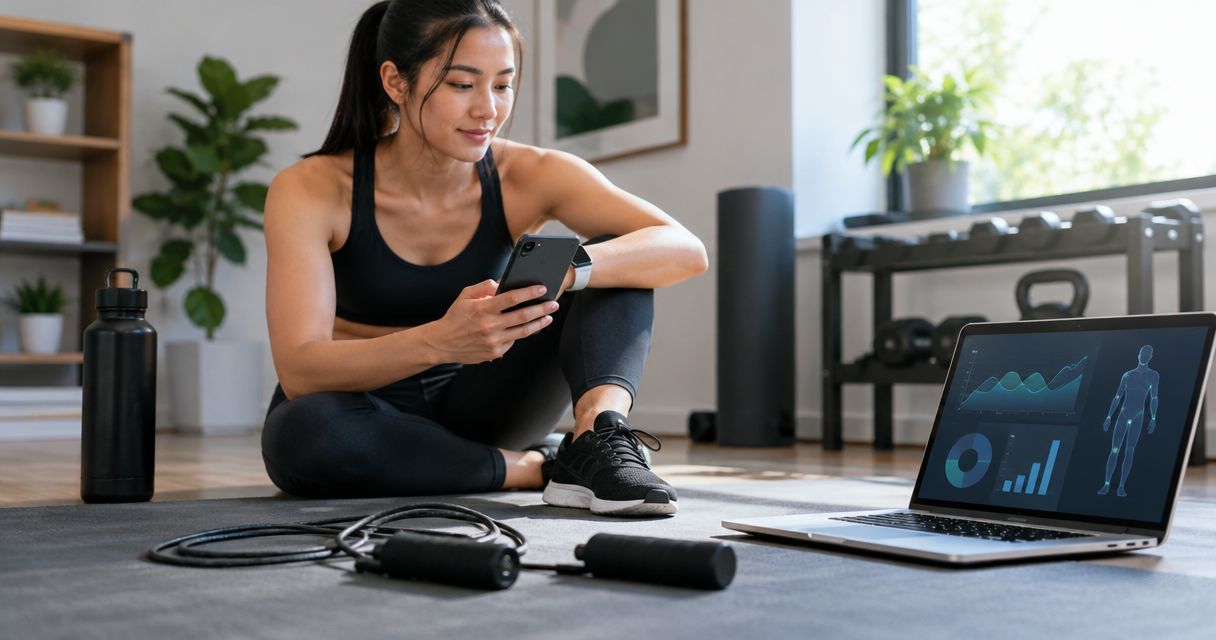
Instead of copying weighted jump rope totals into scattered notes after every workout, use a single spreadsheet to record each session and review it beside your IPPT practice results. This 2026 workflow uses manual entry as the dependable starting point, with file import only when your rope’s software actually provides an export.
- For weighted jump rope data ippt training log setup, use Google Sheets and keep skipping separate from IPPT results.
- Sweatjoy sells weighted jump rope gear; an electronic counter alone does not establish app connectivity or automatic export.
- Record session date, count, active duration and source before calculating skipping cadence.
- Track push-ups, sit-ups and the 2.4 km run separately; skipping totals are not IPPT scores.
Why this matters
A skipping counter tells you about a skipping session. It does not tell you whether your push-up technique meets test requirements or how quickly you can complete a 2.4 km run. Keep supporting exercise and test-specific results in the same workbook, but in different records.
Sweatjoy sells fitness training gear, including a Smart Weighted Jump Rope with Electronic Counter. That product name establishes an electronic counter, not Bluetooth connectivity, a companion app or a spreadsheet connection. This workflow therefore starts with what you can read and record yourself.
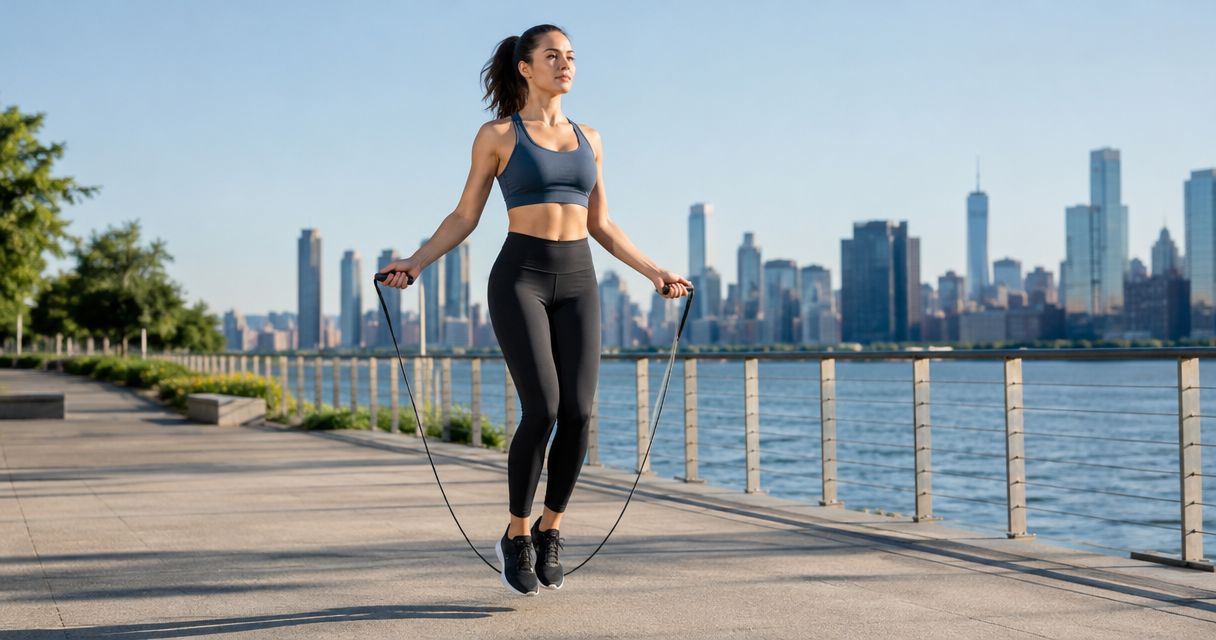
Sweatjoy weighted jump rope gear is best for fitness shoppers who want counter-based skipping alongside a separate IPPT training log. The counter gives you a figure to record; the limitation is that the transfer method depends on the device’s actual functions.
For your 2026 log, the useful question is not simply whether your total increased. Ask whether you used the same counting method, comparable duration and the same equipment setup.
Before you start
- Gather your materials. Have your rope, its instructions, a timer and access to Google Sheets. You need a Google account and permission to edit the workbook; no fitness-platform account is required for manual entry.
- Check what the counter measures. Confirm the displayed unit and whether the reading represents the current session or an accumulated total. Record the display before clearing it. Do not assume every recorded rotation equals a successful jump.
- Choose one record of truth. Use one row per skipping session. The non-obvious trap is counting the same workout twice after entering it manually and later importing it from another source.
Choose your transfer method
Start with manual entry. Move to file import only after confirming that your device’s software exports the fields you need. These are transfer options, not claims about the rope’s features.
| Transfer method | Best for | Advantage | Limitation |
|---|---|---|---|
| Manual entry | A counter display without a confirmed export | Works without connecting fitness accounts | Requires transcription and a check for typing errors |
| CSV import, when supported | Software that provides a usable session file | Transfers existing records without retyping each field | Requires matching columns, units and duplicate records |
Do not build the workflow around an integration you have not verified. A clean manual record beats an imported record with unclear units.
Workbook structure
Create your training workbook
- Open Google Sheets and create a blank spreadsheet. Name it IPPT Training Log 2026 so it is easy to distinguish from unrelated workout notes.
- Rename the first sheet Rope Sessions. Add separate sheets named IPPT Practice and Weekly Review using the sheet tabs at the bottom.
- In Rope Sessions, enter these column headings: Session ID, Date, Start time, Count, Active seconds, Cadence, Rope setup, Source and Notes.
- In IPPT Practice, add Date, Station, Result, Unit, Protocol and Notes. Keep each station attempt on its own row.
- In Weekly Review, add Week starting, Skipping sessions, Active seconds, Practice results and Next action. This sheet holds your review, not another copy of every raw entry.
Expected result: you have separate places for supporting exercise, station practice and training decisions. A skipping count cannot accidentally become a running result because the records have different structures.
Use a consistent session identifier, such as a date followed by a descriptive suffix: 2026-09-01-rope-morning. Add a different suffix for another session that day. The identifier is for matching records, not measuring performance.
Keep Rope setup descriptive. Write the configuration you actually used, rather than guessing a rope weight from appearance or a product category. Changing equipment can make otherwise similar sessions harder to compare.
Counter capture
Record a session without losing the original reading
- Before exercising, check the counter’s starting value. If the device instructions permit a session reset, follow those instructions; otherwise record the starting value in Notes.
- Use a 60-second observation check to understand the display. Compare what the device records with what you observe, and note interruptions or catches. This is a recording check, not a prescribed training interval.
- During your normal workout, time active skipping separately from rests. Stop or pause the timer during breaks if Active seconds is intended to exclude them.
- At the end, record the displayed count before clearing it. Enter the date, local start time, active duration, rope setup and source alongside it.
- If the counter is cumulative, subtract the starting value from the ending value only when both readings use the same unit and no reset occurred. Otherwise leave Count blank and explain the gap.
Expected result: each row contains a traceable reading with enough context to interpret it. You know whether the figure came from a handle display, a manual count or an exported record.
Do not rename an uncertain counter reading as completed jumps. Use Notes to describe what was measured until the device instructions clarify it. Consistent terminology protects every later calculation.
A brief note such as “several catches; timer paused during rests” is more useful than an unexplained total. Keep it factual. You are recording the session, not judging it.
Calculation and quality checks
Calculate cadence from matching measurements
- Keep Count and Active seconds numeric. Put explanations in Notes, not inside the measurement cells.
- In cell F2, enter
=IF(OR(D2="",E2="",E2<=0),"",D2/E2*60). This matches the column order above and calculates counts per minute only when the required values exist. - Copy the formula down Cadence for subsequent rows. Do not overwrite calculated cells with a value copied from an app unless you are intentionally changing the measurement method.
- Compare the spreadsheet entry with the original reading. Check the date, count, duration and source before using the row in a weekly summary.
- Keep rows with missing measurements, but explain the missing field. Leave unknown values blank rather than entering zero.
Expected result: cadence appears only when count and active duration are present. Incomplete sessions remain visible without becoming false zero-performance records.
Cadence means counts per minute, not fitness gained. It is useful for comparing similar skipping sessions, but it does not convert into an IPPT score. If your counter measures rotations rather than completed jumps, preserve that distinction in your notes.
The calculation depends on matching boundaries. Do not divide a whole-session count by the duration of only the final interval. Likewise, elapsed workout time and active skipping time are different measurements; select one definition and label it clearly.
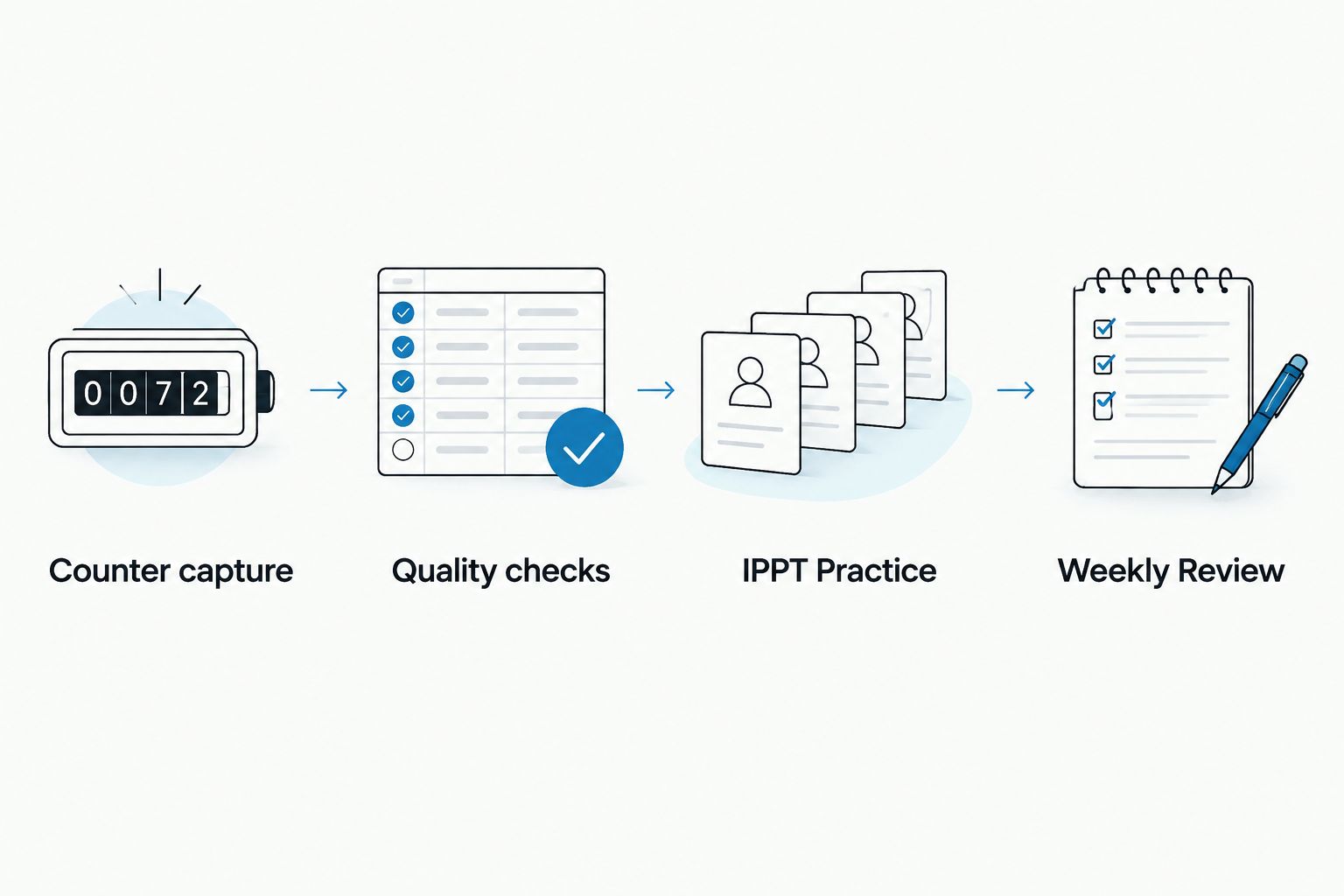
IPPT practice and weekly review
Connect the records without mixing the results
- In IPPT Practice, enter each push-up, sit-up or run attempt under its actual station name. Use repetitions for strength-station counts and a consistent time unit for running.
- Record the protocol. Distinguish a 1-minute station practice from an untimed technique session, and distinguish a 2.4 km run from a shorter run.
- Keep assisted practice separate from test-condition practice. Describe any equipment or modifications that affect comparability in Protocol or Notes.
- In Weekly Review, count distinct skipping session IDs and total the recorded active seconds for the selected week. Review station results separately rather than combining everything into one score.
- Write one next action based on the records. For example, repeat a comparable run attempt or improve your recording consistency. Do not automatically add more skipping because the counter total rose.
Expected result: your workbook shows what you trained and what happened in station practice, without presenting a relationship as proof that one caused the other.
For your 2026 training review, compare like with like. A timed push-up attempt and a technique session serve different purposes. A faster run after a week of skipping is a recorded sequence, not proof that skipping caused the improvement.
Use the weighted jump ropes for IPPT training guide for the training context around the equipment. Keep the spreadsheet focused on documenting what you actually completed.
Variant: update the log from an exported file
A file-based workflow makes sense when your rope’s software genuinely provides an export. An electronic counter is not evidence of export support. Check the device instructions and software before changing your process.
- Export the session file using the software’s documented controls. Retain the original file so you can check a disputed value later.
- In Google Sheets, use File then Import to load the file into a separate staging sheet. Keep unfamiliar columns away from your checked records.
- Match each source field to your workbook: date, time, count, duration and source. Convert duration units deliberately; do not treat minutes as seconds.
- Match imported sessions against existing session IDs and timestamps. Update an existing workout rather than appending a second copy of it.
- Transfer only checked fields into Rope Sessions. Preserve a note identifying the export as the source.
Expected result: the same workbook accepts exported records without changing the meaning of its columns. Manual and file-based entries follow the same quality checks.
When an exported session is corrected, update the matching row. A correction is not a new workout. If the file lacks a reliable identifier, review date, start time and duration together before deciding whether two entries match.
Troubleshooting
The counter and your observed jumps disagree
Check what the counter measures and repeat the short observation check. Record catches and interruptions rather than silently changing the device reading. If the measurement remains unclear, retain the original count with an explanatory note and exclude it from cadence comparisons.
Cadence looks unusually high or low
Check duration units first, then confirm that count and time cover the same session boundaries. A cumulative count paired with one interval’s duration produces a misleading calculation. Fix the source fields before changing the formula.
The same workout appears twice
Compare session IDs, timestamps and sources. Keep one checked record and remove the duplicate from summaries. If one version contains better information, update the retained row rather than adding both counts together.
A session appears under the wrong date
Check the device’s time settings and the workbook’s intended local date. For Singapore training records, use Singapore local time consistently. Preserve the original timestamp in Notes when correcting an imported date.
Skipping totals rise but station results do not
Do not treat the counter as a substitute for station-specific practice. Review comparable push-up, sit-up and run attempts separately. Your log describes training and results; it does not guarantee progress or establish an official score.
Customize your workflow
Keep the first version small. Add a field only when it changes a training decision, such as distinguishing rope configurations or identifying interrupted sessions. A crowded log that you stop updating is less useful than a short, consistent one.
For a 2026 training block, retain the same definitions throughout the block. If you change from elapsed time to active time, document the change and stop comparing the two as though they were identical.
Keep equipment selection separate from data transfer. Sweatjoy’s Smart Weighted Jump Rope with Electronic Counter provides a counter-based starting point; use the manual workflow unless you verify additional functions. No account connection is necessary to maintain this spreadsheet.
FAQ
How do I put weighted jump rope data into an IPPT training log?
Record the session date, counter reading, active duration, rope setup and source in a spreadsheet. Keep push-up, sit-up and run results on a separate sheet, then review them beside your skipping records.
Does the Sweatjoy electronic-counter rope automatically sync to my spreadsheet?
Use manual entry unless you verify an export or connection in the device instructions. An electronic counter alone does not establish Bluetooth, app support or spreadsheet syncing.
Can I turn skipping counts into an IPPT score?
No, skipping counts are not IPPT station results. Record push-ups, sit-ups and the 2.4 km run separately, and use official guidance for scoring.
What is the best transfer method if my rope has no app?
Manual entry is the best fit for a counter-only setup. Read the display before clearing it, then record the count and matching duration in your spreadsheet.
Should I include rest time when calculating skipping cadence?
Exclude rest time when your duration field is defined as active skipping time. If you choose elapsed session time instead, label it clearly and do not compare it directly with active-time cadence.
What should I do when a jump count is missing?
Leave the count blank and explain the missing measurement in your notes. Do not enter zero or calculate cadence from an unknown count.
Can I import rope sessions from a CSV file?
Yes, if your device’s software actually provides a suitable CSV export. Import into a staging sheet, check units and dates, and match existing workouts before adding records.
One last thing
A blank cell is often more accurate than a zero. Zero says you measured nothing happening; blank says you do not have a measurement. Preserve that distinction, and your weekly review will be easier to trust.
Before your next session, check that your log can answer three questions: what did you measure, how long did you measure it, and where did the figure come from? Those answers matter more than another dashboard.